


For product teams that prioritize keeping a strong pulse on user needs
Unlock ongoing research with your customers and make it a consistent part of your weekly routine:

For researchers who create multiple UI projects to manage quotas, or target different audiences
Take the pain out of managing multiple projects at once:

For product managers, designers, or researchers who prioritize research speed and efficiency
Talk to users often and answer specific research questions quickly, even with limited time and prep:
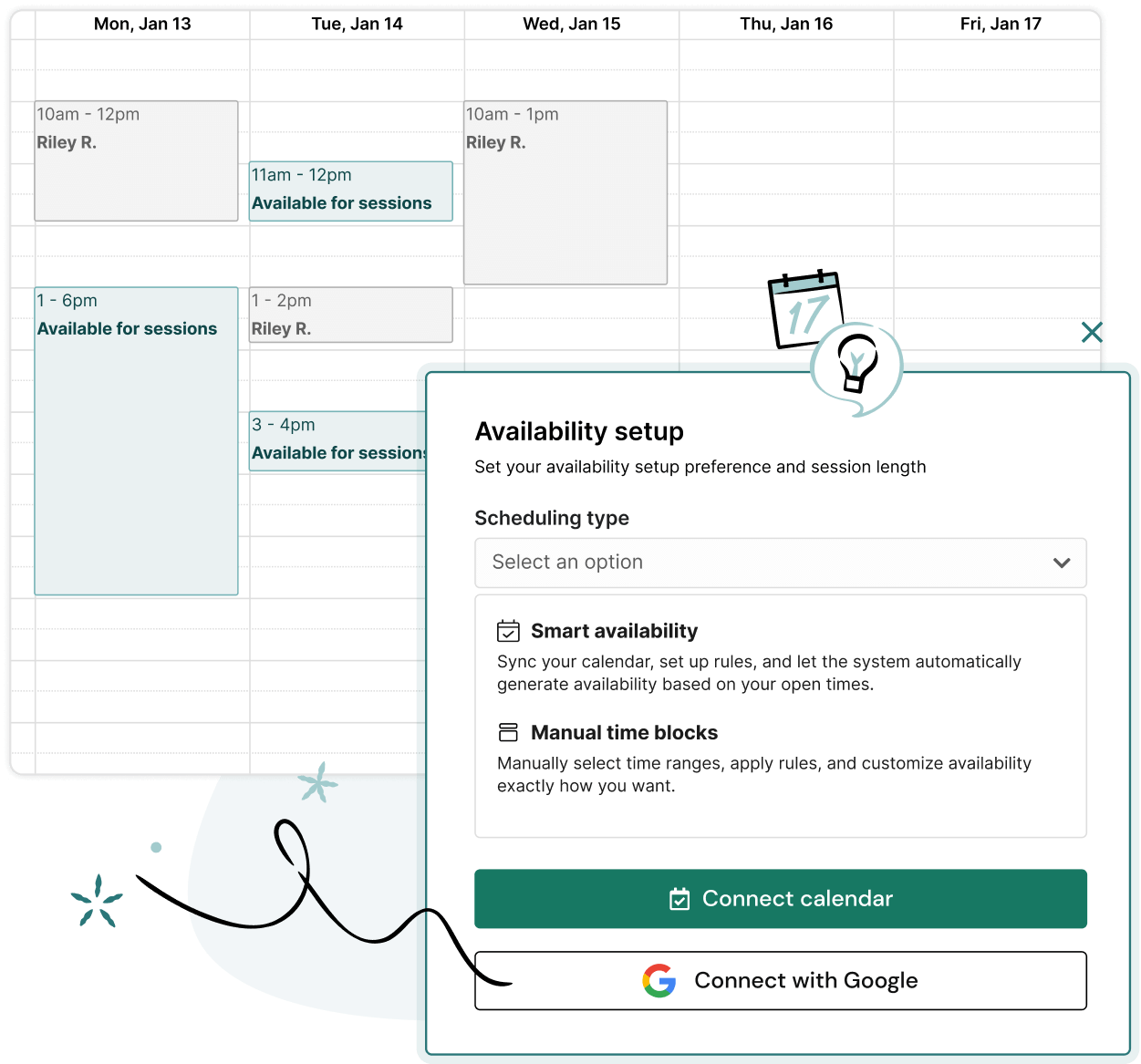

Integrate your Google or Outlook calendar, set your working hours and availability at the individual account level, and let us handle scheduling and session conflict management across multiple projects.

Streamline moderated research with our Google and Microsoft integrations—sync your calendars to generate automatic meeting links and assign moderators to host each session.

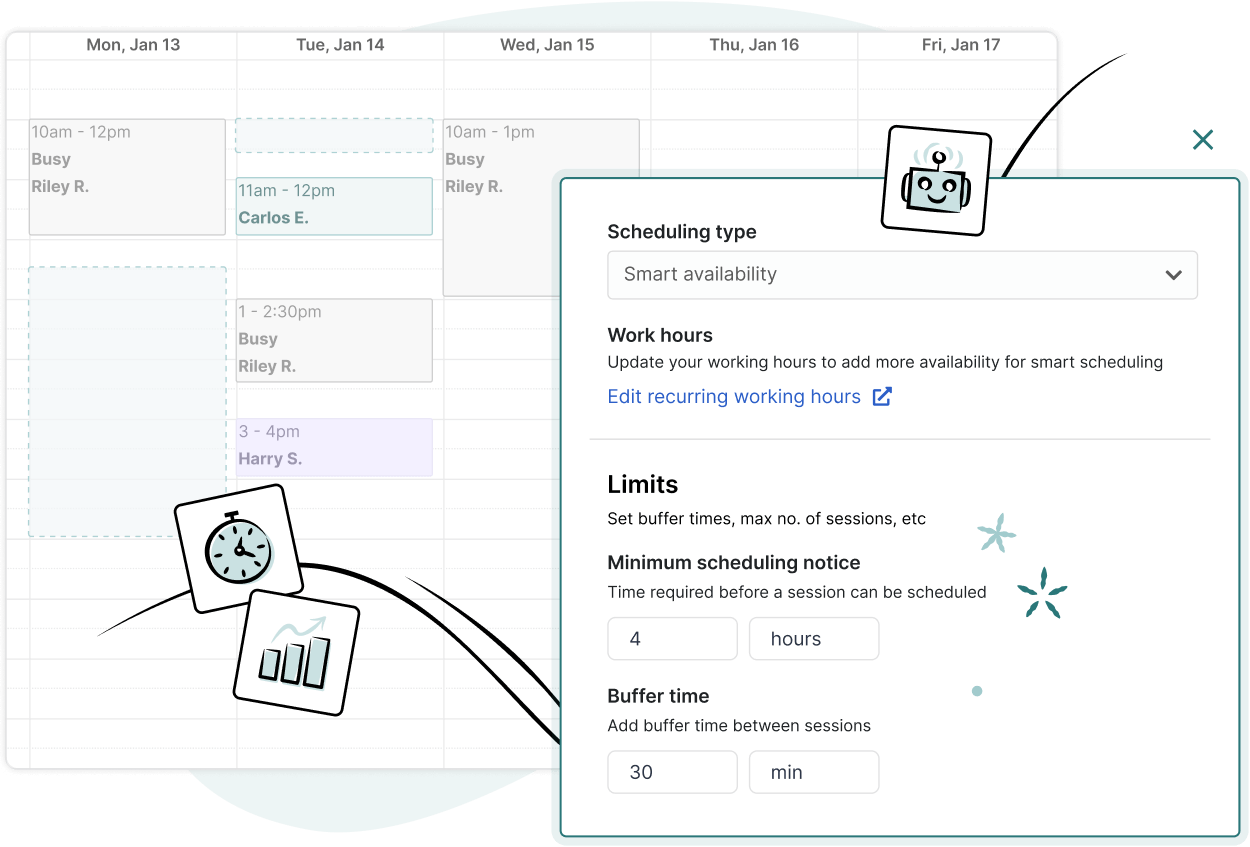
Choose automated scheduling for a hands-off approach to get sessions booked, or manual scheduling for times when you want more control over your calendar.
Scheduling you don’t have to think about. Set your availability and scheduling preferences once, and sit back as we handle the rest.


Collaborating with teammates should be easy—research is a team sport, after all. Automate your scheduling and let us handle the calendar logistics, so you can focus on the research.

Connect your calendars, set preferences, set collaborator attendance, and we’ll handle the rest. We’ll find times that work for your whole team and send calendar invites and reminders.

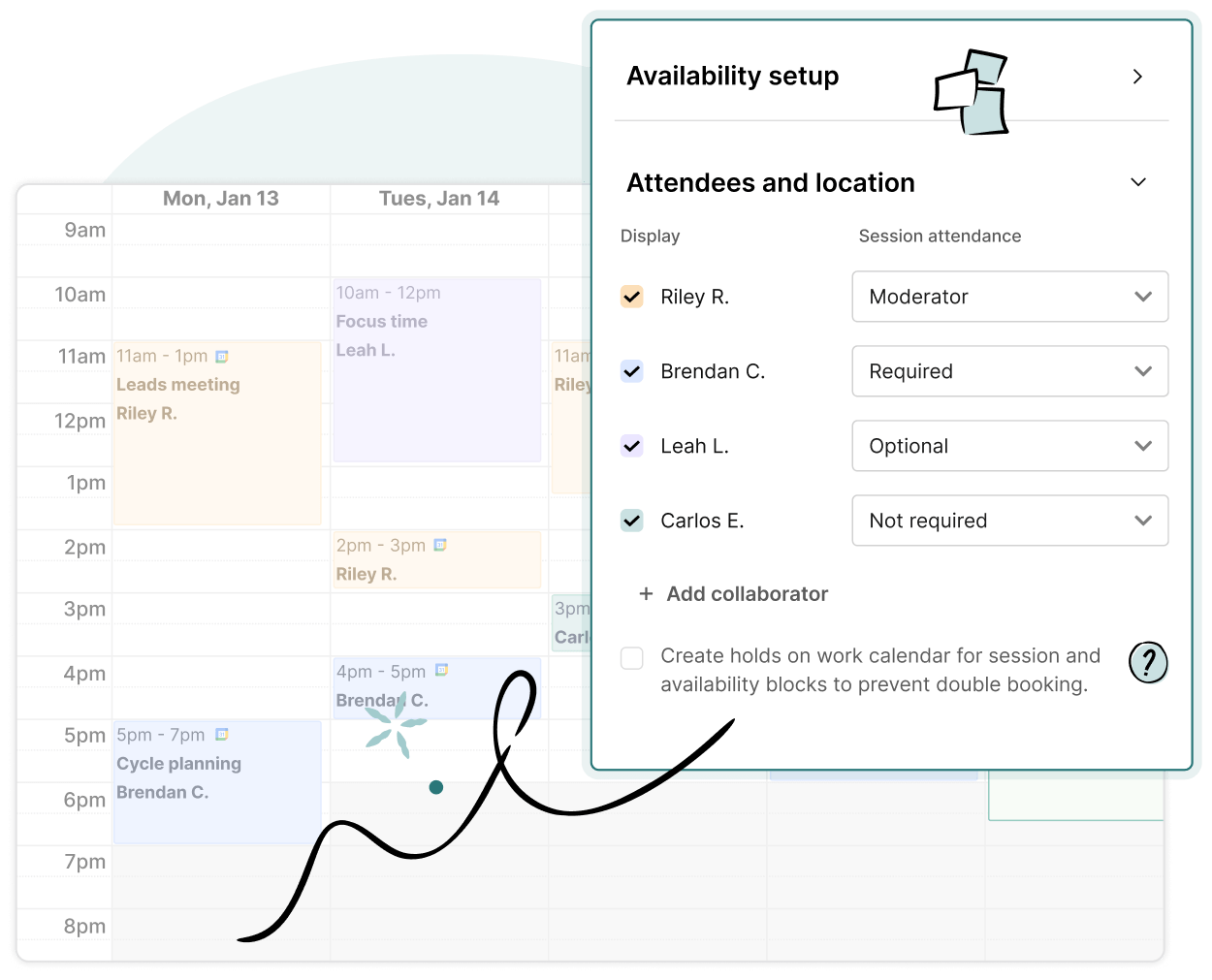
Designate teammates as moderators, required, or optional attendees so you can find times that work for the team and schedule only those that need to be there.

Designated moderators are always the default owner of calendar events and meeting links—particularly helpful when ReOps are handling logistics for a team of researchers.

You can connect your calendar from a few places within User Interviews—via your Availability page or Integrations page under “Account settings”, or from within the workspace.
Our Google and Outlook calendar integrations make it easy to keep track of upcoming sessions. Confirmed sessions will automatically be added to your synced calendar. Collaborators can also have sessions populate on their calendars, helping them stay in the know on scheduled bookings.
Choose automated scheduling for a hands-off approach to get sessions booked, or manual scheduling for times when you want more control over your calendar. The choice is yours!
With automatic scheduling, simply set up your calendar, availability, and scheduling preferences, and our system will automate booking confirmed sessions within these guidelines. Automatic scheduling is available for all 1:1 moderated projects on Research Hub and Recruit.
Make sure everyone on the team has connected their calendars to UI. Change your scheduling type to “Automatic,” invite collaborators, set your scheduling preferences, and we’ll find times that work for your whole team and send calendar invites and reminders.
When you set session attendance defaults for each attendee (Moderator, Required, Optional, or Not included), UI will automatically use these rules for every confirmed session to schedule only the people who need to be there.
Handling rescheduling is easy—if a conflict arises, you can reschedule a participant yourself on the “Confirmed sessions” page, or participants can reschedule their own sessions, no researcher action required.
Check out some tips to make scheduling participants a breeze for you and your research team.


Schedule your demo and see us in action today.


